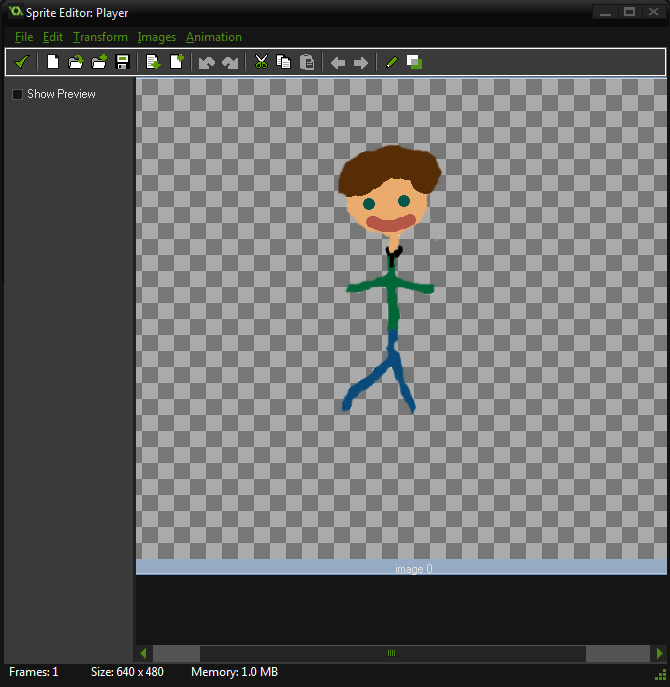
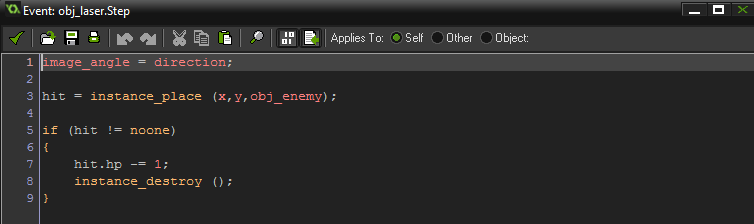
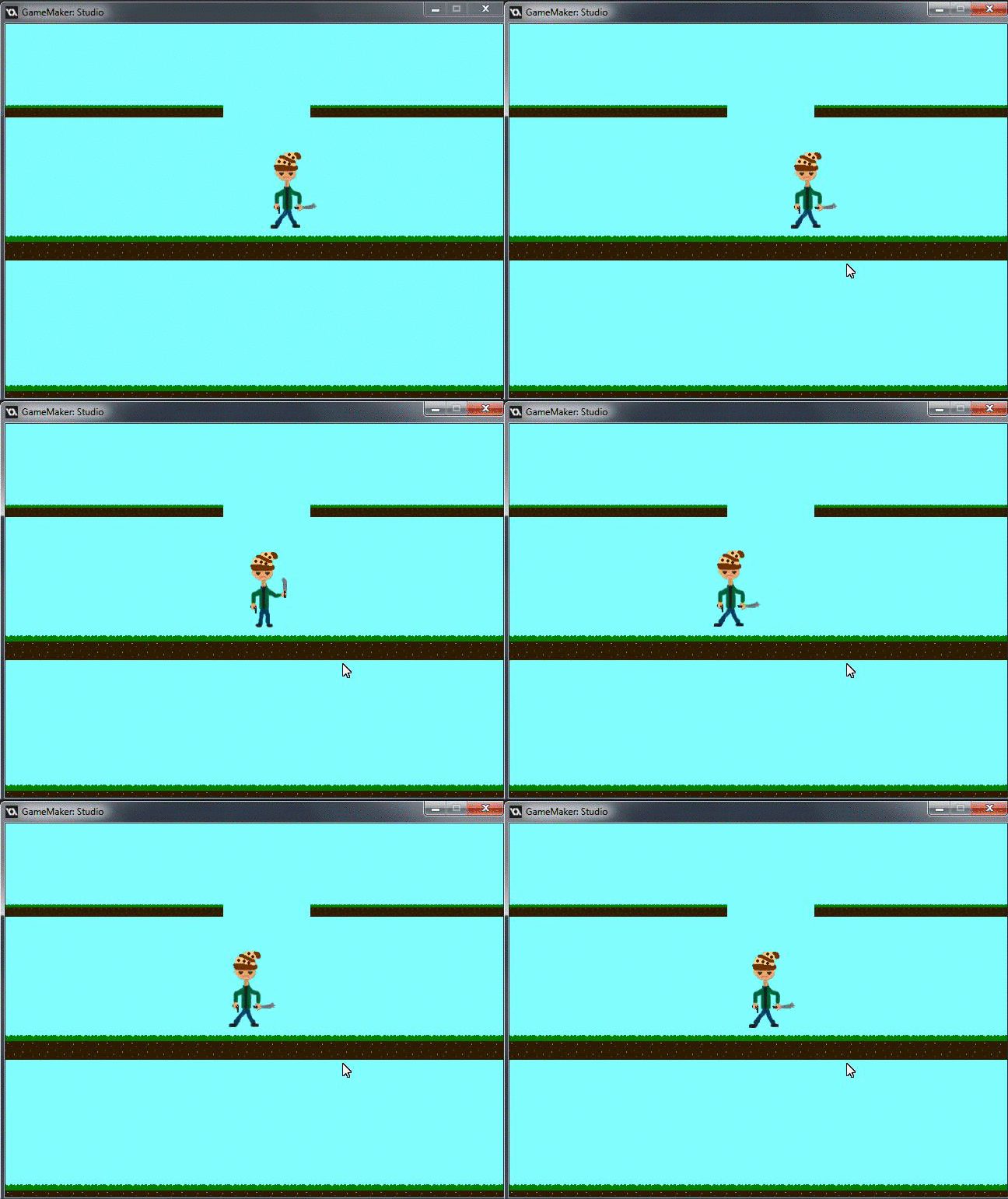
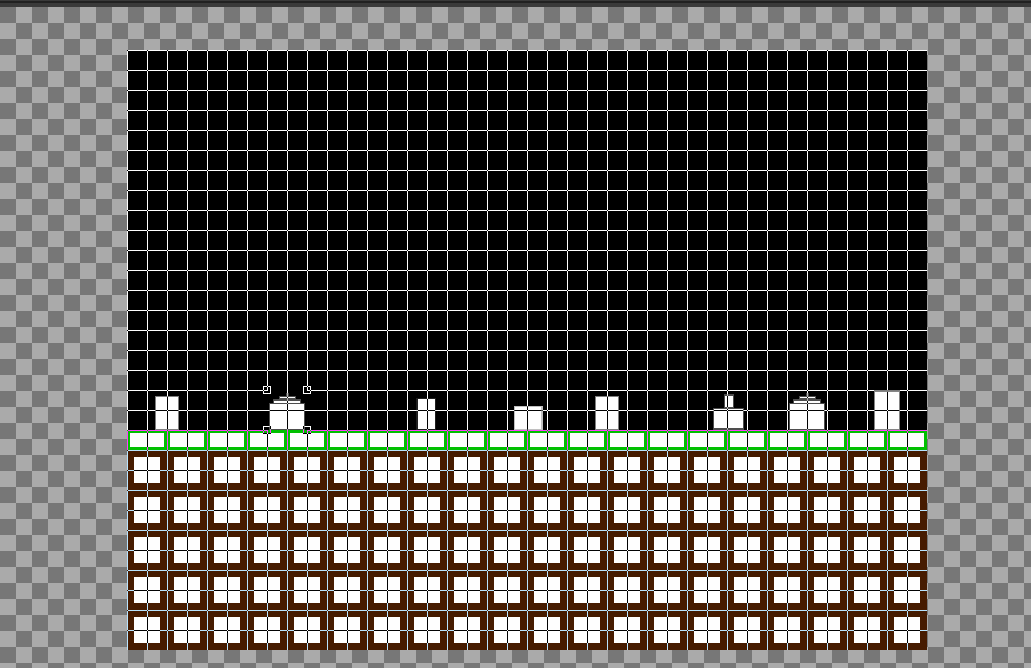
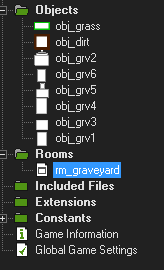
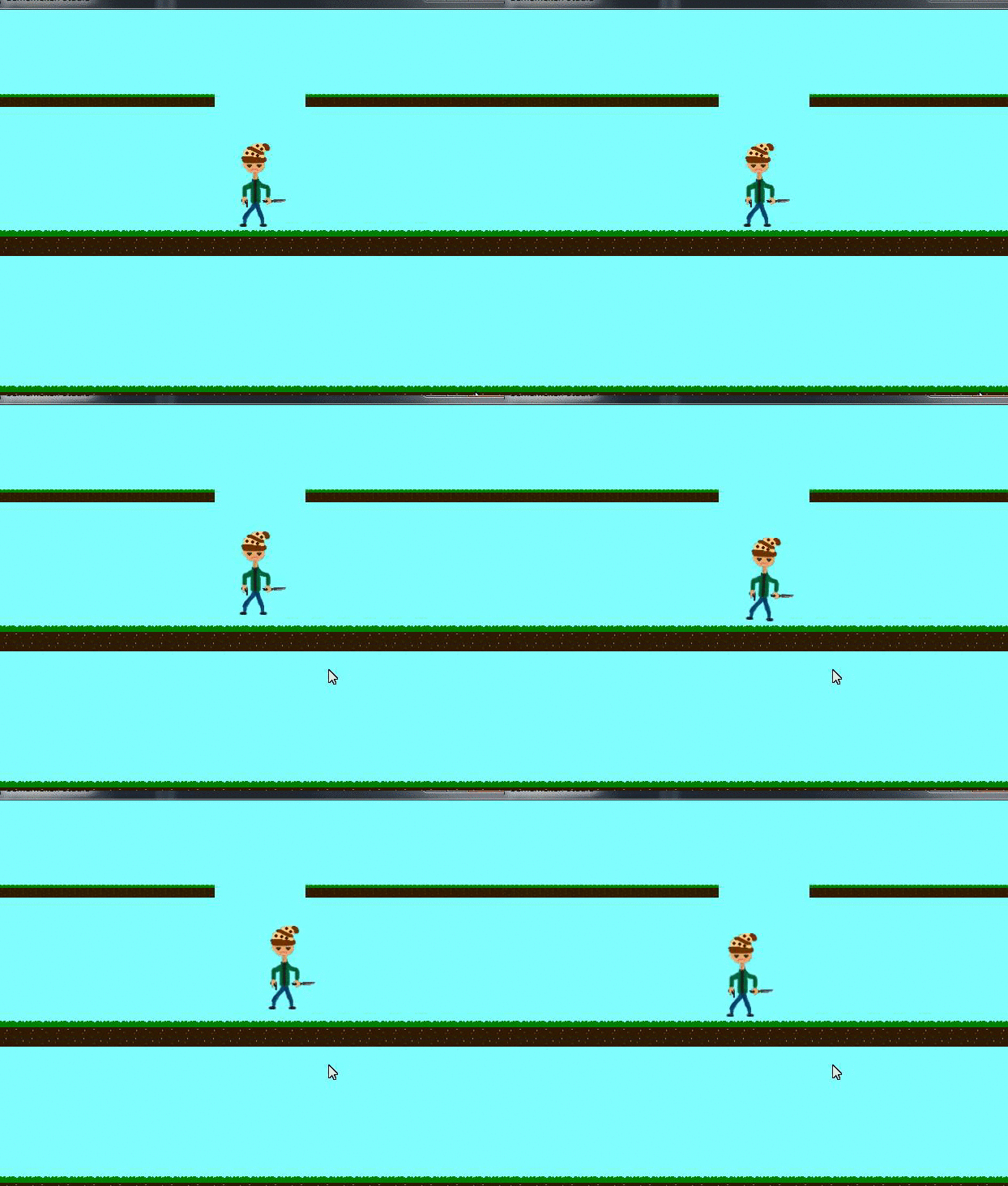
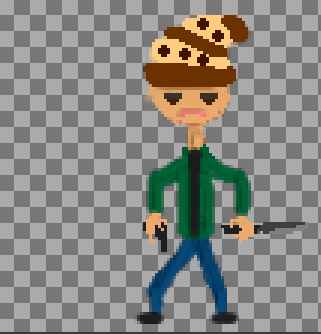
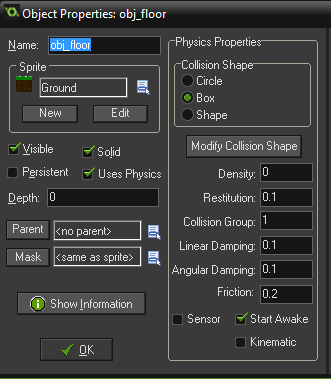
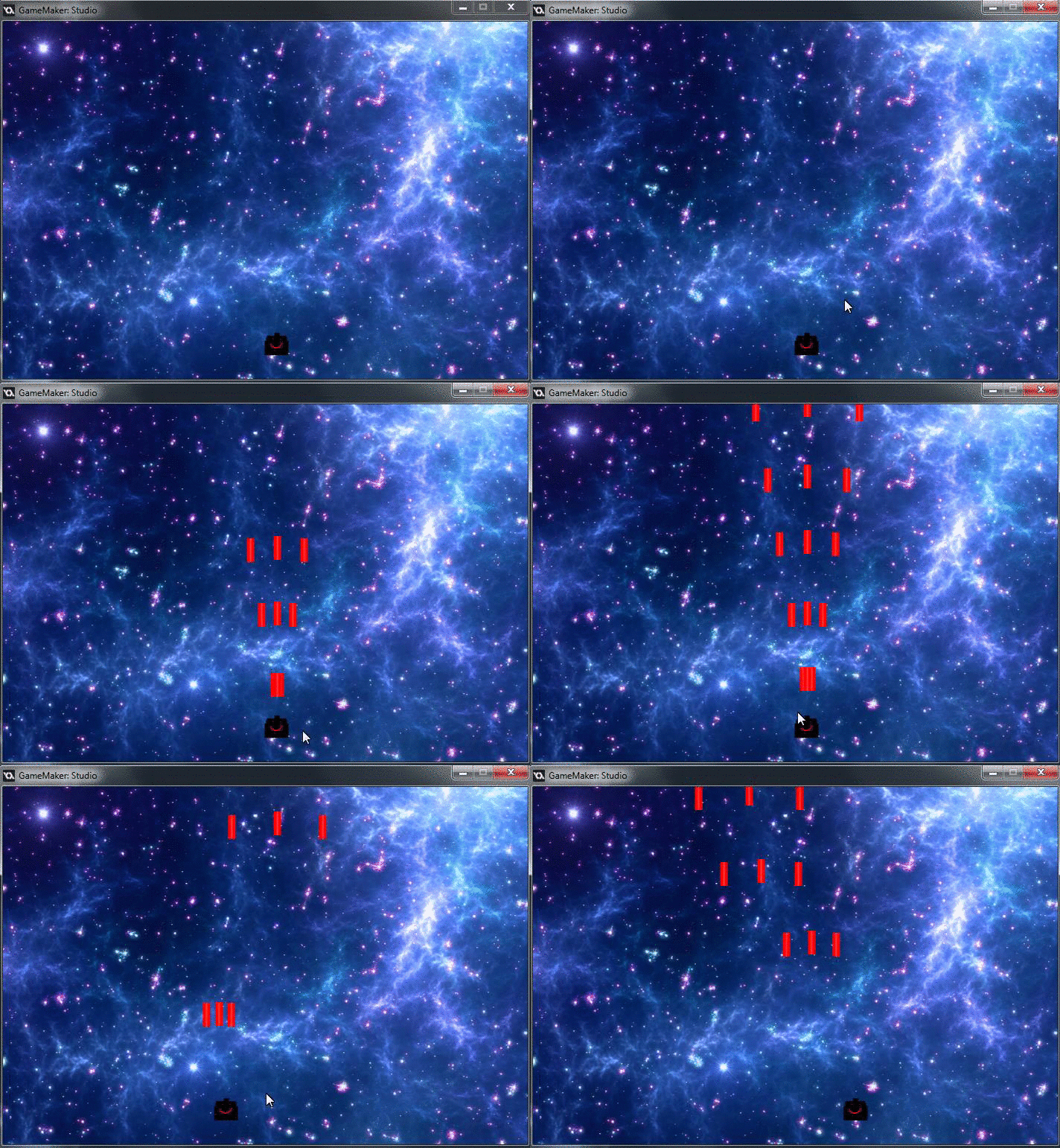
Today I (with some assistance from Howie) figured out how to make the animation of my character work in gamemaker. I new some of it from watching the animation tutorial but it is difficult for me to watch a video then put it into practice. It was actually very simple and I felt dumb for not figuring it out. Stephen was also there because he needed to learn how to animate too. I also started on the barebones of a graveyard level for Project Z. I have the first part of it done very crudely. The images are WIP but I will ask Jake to do some of them for me seeing as he has a gift for art. The image setup and the level setup took a surprising amount of time along with a discussion with Howie on what I am going to do for the graveyard level. I said I am going to make it so when you walk over the grave an enemy will spawn from it an attack; he has the code to do this so that may help.
Wednesday, 13 January 2016
Day 9 - Part 1
Jake needs a lot of marks because he has been explaining a lot of the lines of code I'm learning about.
Also Howie.
Also Howie.
Tuesday, 12 January 2016
Day 8 - More learning
So today in gamemaker I did some practical testing on my game and of gamemaker in general. I ran into some troubles while working on it but Jake was extremely helpful in explaining it all to me in a way that I will understand and gave me a lot of his knowledge on gamemaker and even creating sprites. I worked with the physics system in gamemaker to give my game gravity, it was very frustrating but with Jake's assistance I learned how to use it and a lot about it. Next class I will be working on maybe animating some form of the game, I will also try and work on the jumping and moving and giving the game an objective.


Sunday, 10 January 2016
Day 7 - Things
Today in gamemake I did a but of work on my game and watched some tutorials. The stuff on my game was little things like making textures and making my character able to move. I watched tutorials on how to do things like animation and sprites, but also one on how to make a basic platformer. I learned a lot about coding from reading up on how to make jump, It isn't as simple as it would seem because you need gravity and things like that while also binding it to keys and putting it on a timer so you can't just fly with it. I played around with the objects and how you use them in a room and I figured stuff out ; you can do things like make an object half in the room so it fully fits or you can actually configure gravity in the room settings. I need to work on learning more bits of code and how to put it together and I also need to talk to Jake about making sprites because, mine are horrible.
Wednesday, 6 January 2016
Day 6 - Getting Somewhere
Today in gamemaker I did a lot more tutorials and learnt a lot. I did 3 tutorials, one on rotation, one on Enemies and hp and one on views. The enemy one was really cool to do and I was able to understand it and even configure it to something that I preferred. I also did some work on creating the sprites for my tutorial platform game. I only got one done and it is not very good but it is better than the ones I made for my other tutorial game. Project Z is a lot like a platformer so it will help when I work on the actual game. The rotation tutorial helped me better understand how to set up directions and such for things like bullets or enemies. The tutorial on enemies and hp was very interesting and it was super useful. It taught me a lot more on how to think when doing different code. When I had to set the hp I expected it to mostly be in the enemy file with maybe setting something for the bullet to be able to interact with a collision layer in the bullet file. I was wrong because I set most of it in the bullet file, the enemy file was used to just see if the enemies hp = 0, it got deleted.. Everything else like the hp variable setting and how the bullet interacts was in the bullet file.
Tuesday, 5 January 2016
Day 5 - More Tutorials!
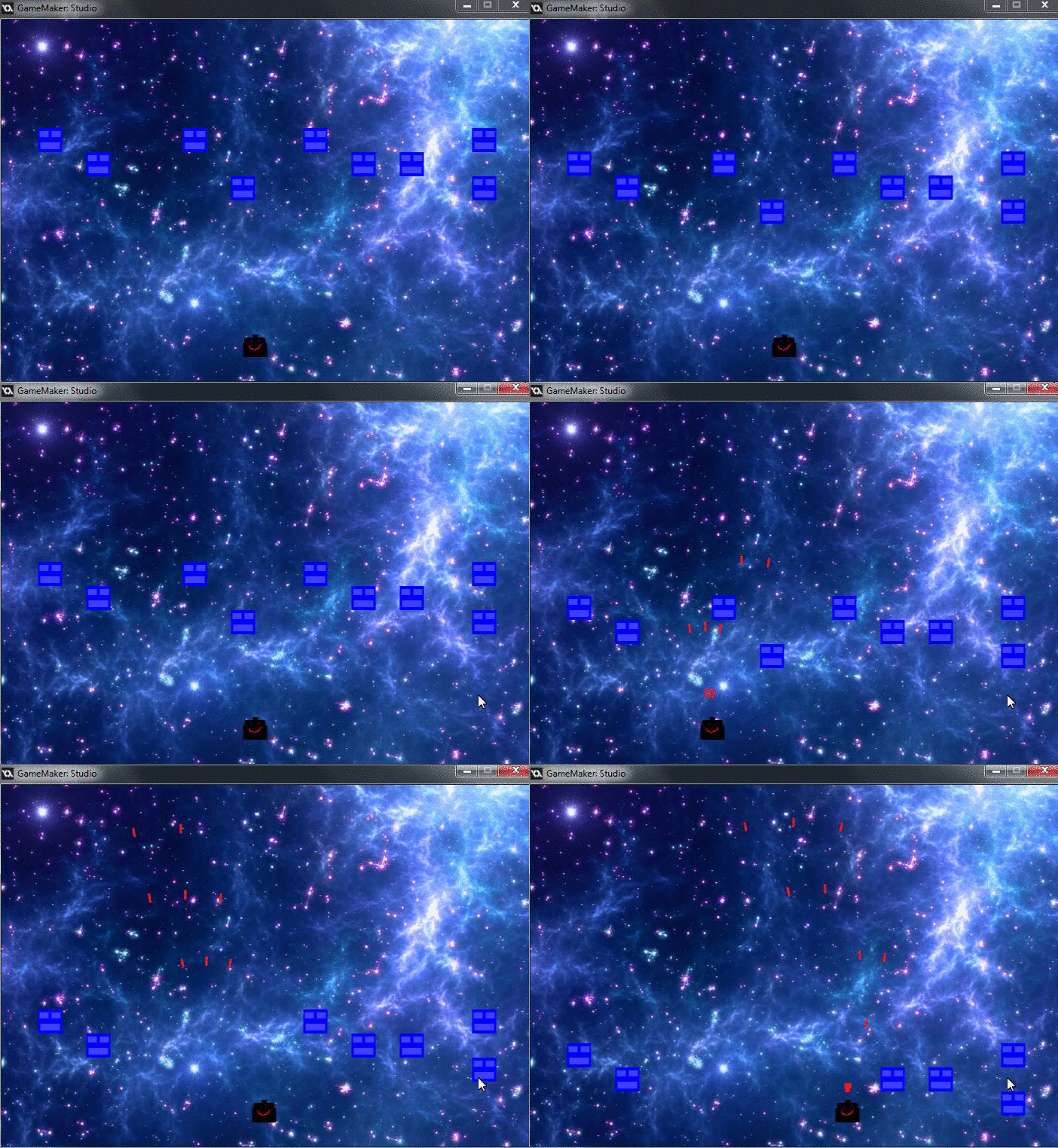
Today I spent the class doing the final movement tutorial and doing projectile tutorials. I learnt a lot like how to actually make projectiles and fire them, how the direction in gamemaker works and how I can stagger the bullet timing with alarms. I was able to follow along and create a copy of the game he is making, it makes it a lot easier if I can do the tutorial in game maker while I am watching it. My game had a lot of errors while I was doing it but they all added up to human error, little mistakes that I made. My bullets were firing in weird directions and I was very confused until I looked at the bullet code and realized I made to copies of the same bullet so bullet2 was firing in 2 directions. I also had a problem where my bullet was firing in an odd position but I fixed that by changing the x position in the code.
Monday, 4 January 2016
Day 4 - The Learning
Today I was told by Jake to get better at coding so I can help more like Howie. I'm watching tutorials and trying to put them to use. I was being interrupted a lot because of the problems with Justin's computer. I am on the basic game tutorial and doing movement. I have the basics down so it is really just review, which is helpful after the break. There seems to be a lot of tutorials for this specific part so I am going to watch all those. It was my new years resolution to focus more on my coding so I am going to watch them at home while I work on my other projects that I am missing. The code seems to be the better method for doing things in game maker so I am going to skip the parts without it, if I need something I can just look it up.
Subscribe to:
Posts (Atom)